Zte Blade A55 Frp Bypass Fix
كل ما تحتاج معرفة موعده في مكان واحد: الرواتب، الإجازات، مواعيد الجامعات، المناسبات، والمزيد!
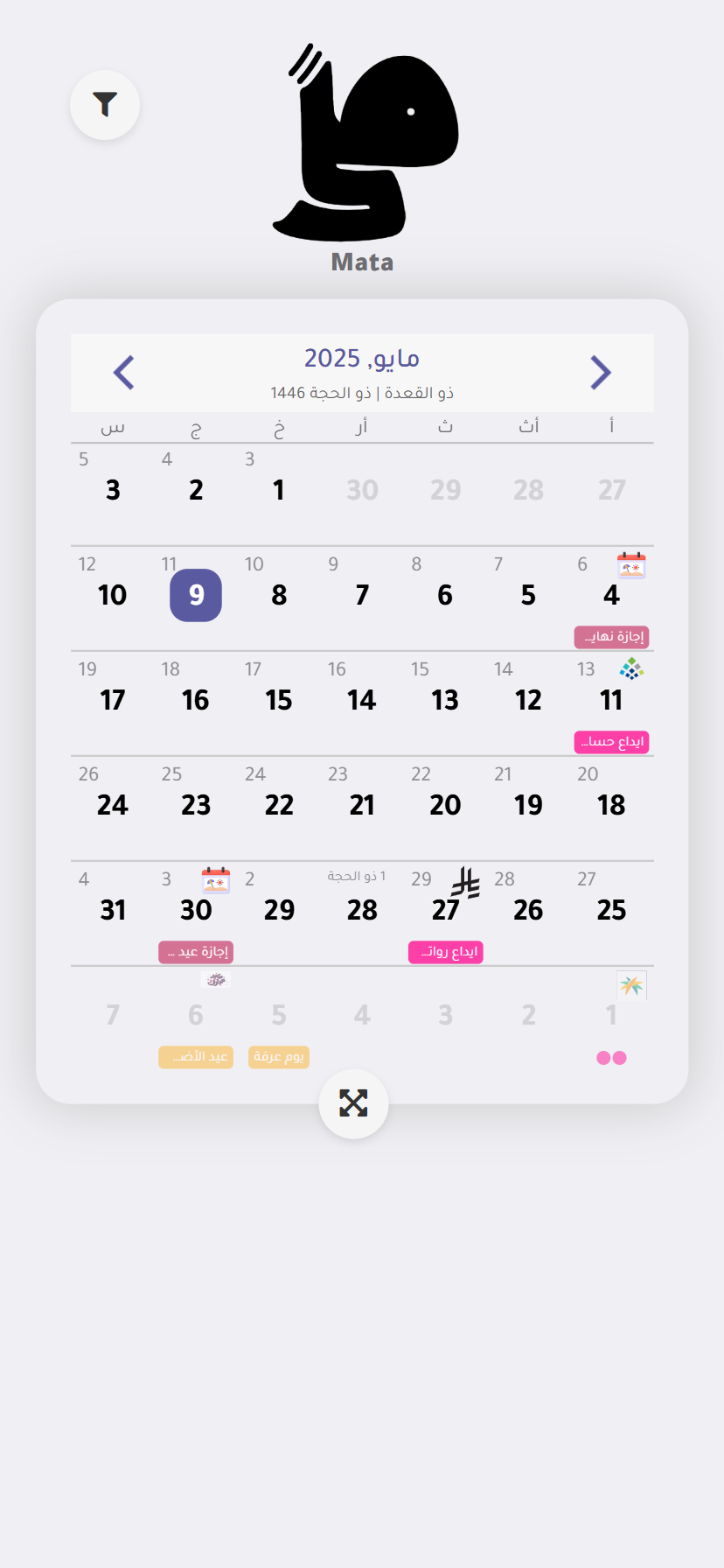
كل ما تحتاج معرفة موعده في مكان واحد: الرواتب، الإجازات، مواعيد الجامعات، المناسبات، والمزيد!
Follow every step exactly as written. Skipping a single step will cause the process to fail.
You have access to a stable internet connection.
Factory Reset Protection (FRP) is a built-in security layer introduced by Google for Android devices.
Search for a reputable FRP bypass repository site (such as vnrom.net/bypass or addrom.com ) and click the shortcut link to .
Tap the three lines (Menu) and long-press or Photos . zte blade a55 frp bypass
Using a tool like or the previously mentioned BFT Tool , you can load the factory firmware onto your device. The stock ROM can be found on reputable firmware provider sites, and you must ensure it matches your exact model number, which is ZTE Blade A55 Z2450 . This method will fix FRP lock and can also resolve other software issues like boot loops. Because this process can brick your phone if performed incorrectly, it's strongly recommended to follow a dedicated, device-specific flashing guide.
Complete Step-by-Step ZTE Blade A55 FRP Bypass Guide (2026) FRP (Factory Reset Protection) is a security feature on the ZTE Blade A55. It locks the device after an unauthorized factory reset. You must enter the original Google account credentials to open it. If you forgot your password, this guide will help you bypass the lock. ⚠️ Important Prerequisites Before You Begin
Do you have access to a , or do you need a phone-only method ? Are you stuck on a specific step of the guide above?
Factory Reset Protection on the ZTE Blade A55 is a strong security tool, but it doesn't have to be an insurmountable obstacle. Always start with the legitimate method of removing your Google account properly. If you're already locked out, try the free SwiftKey or emergency dialer methods first. When those fail, reliable software like Dr.Fone or ChimeraTool offers a good balance of ease and effectiveness. If you're comfortable with more technical processes, free PC tools like BFT can also get the job done. Follow every step exactly as written
: This method exploits the emergency call overlay and, like all exploits, is not guaranteed to work on every software version. Use caution and proceed at your own risk.
Type a long string of symbols or numbers (e.g., *#*# or ######## ) until the keypad stops responding. Sometimes this freezes the dialer.
What is your phone running?
Tap it, then tap . You are now inside the phone's system settings. Step 3: Disable Device Apps to Break the Lock Factory Reset Protection (FRP) is a built-in security
This method requires an OTG (On-The-Go) cable and a USB flash drive.
Getting locked out of your ZTE Blade A55 due to the Factory Reset Protection (FRP) screen can be incredibly frustrating. This security feature triggers automatically if a device is factory reset without first removing the linked Google account.
If you can't remember your password, use another device to go to the Google Account Recovery page. If you've tried multiple times and failed, don't worry—the next sections are for you.
Which (e.g., January 2026) is currently installed? Do you have access to a Windows computer to run tools?
(Android U), standard bypass methods for older models may not work. Here is a general guide on how the process is often handled using modern workarounds. Common FRP Bypass Strategy for ZTE (Android 14)
متوفر على متجر آبل وجوجل بلاي. حمّل التطبيق الآن وابدأ في تنظيم مواعيدك بشكل أفضل!


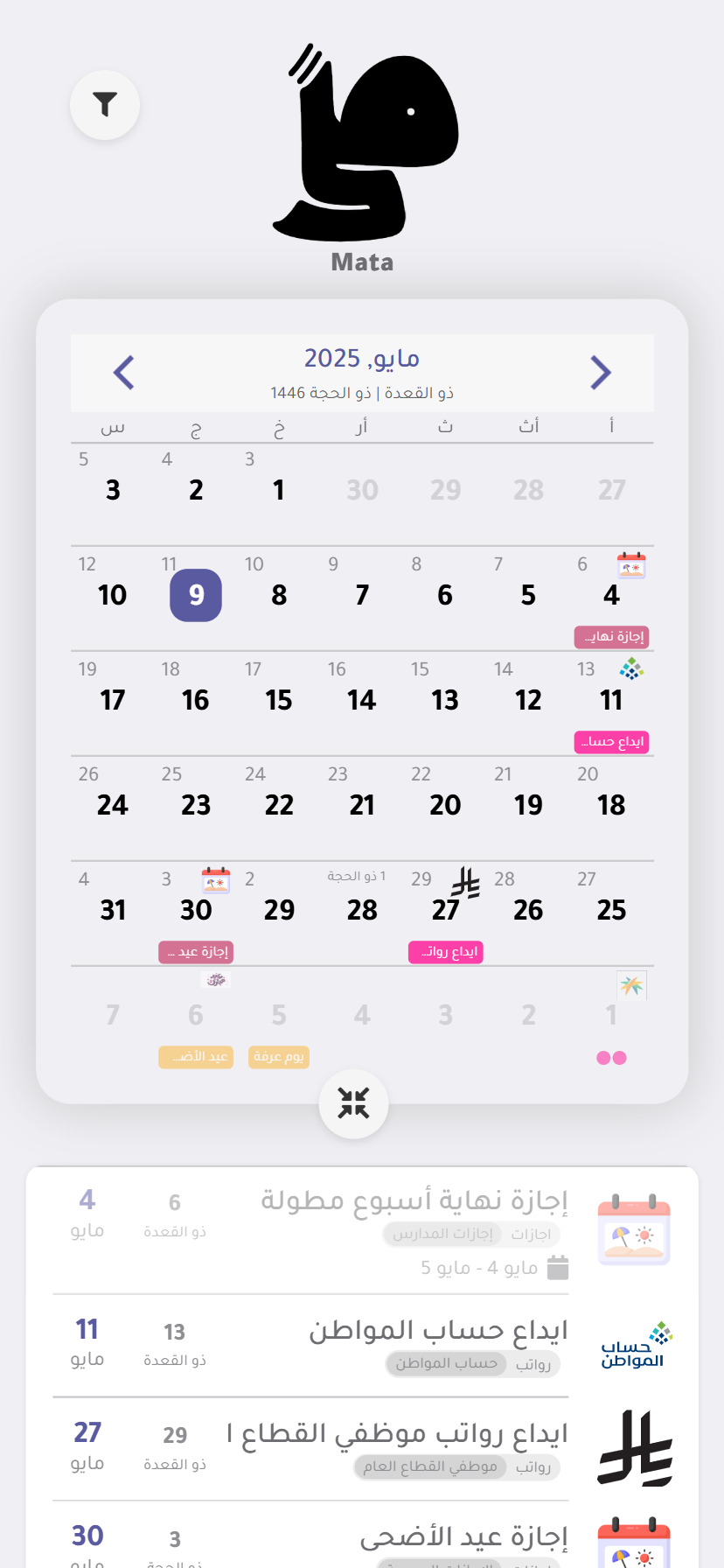
تطبيق "متى" يضع بين يديك خريطة زمنية شاملة لكل ما يهمك! هل تسأل دائماً، متى تبدأ الإجازات الرسمية القادمة لتخطط لها؟ متى يحين موعد استلام راتبك؟ متى يفتح باب القبول في الجامعة التي تطمح إليها؟
"متى" يجيب على كل هذه التساؤلات وأكثر! بفضل تصميمه البسيط والواضح، يمكنك تصفح مواعيد الرواتب الشهرية بسهولة، والاطلاع على قائمة مفصلة بالإجازات الرسمية والعطلات القادمة.